Redesign any room with AI
AI interior design for your photos: restyle a room, house or garden, furnish, empty or rearrange a room, declutter, change walls and floors or type any change.


Before and after, tool by tool
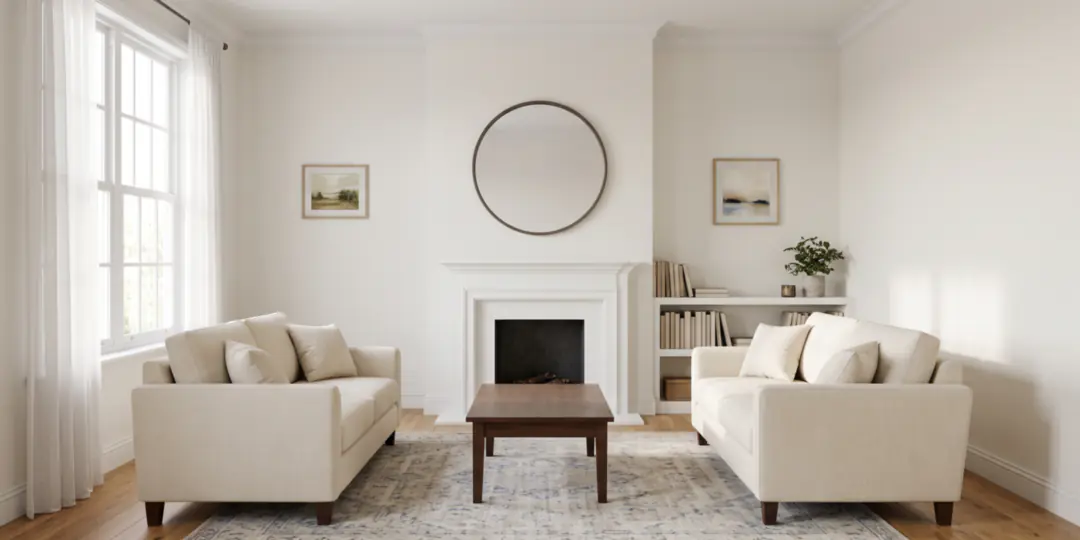
Redesign any space
Pick a style for a room, a house or a garden; Keep mode is built to hold your walls, windows, doors and camera angle. Or copy the look of a photo you love onto your room.
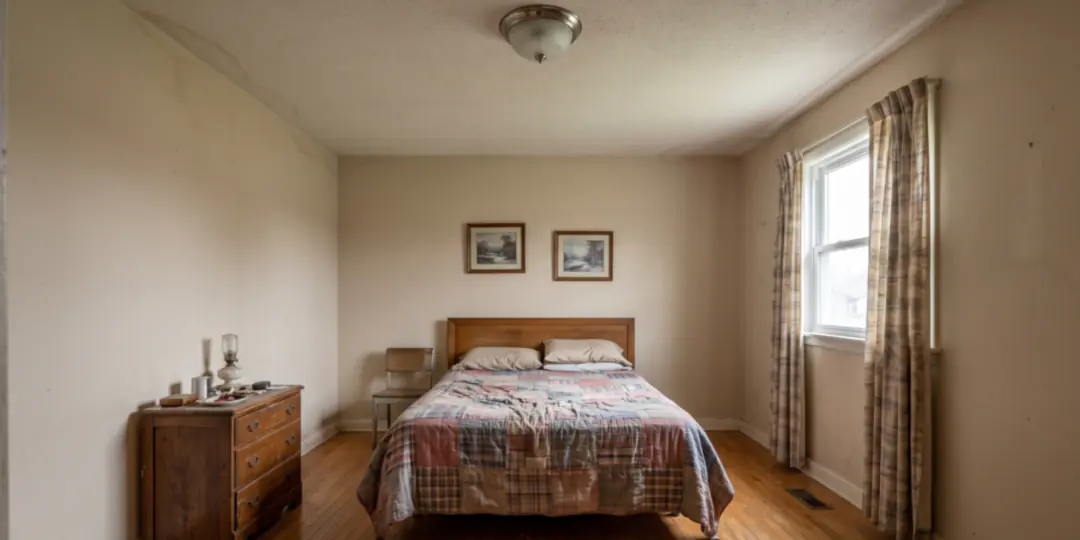
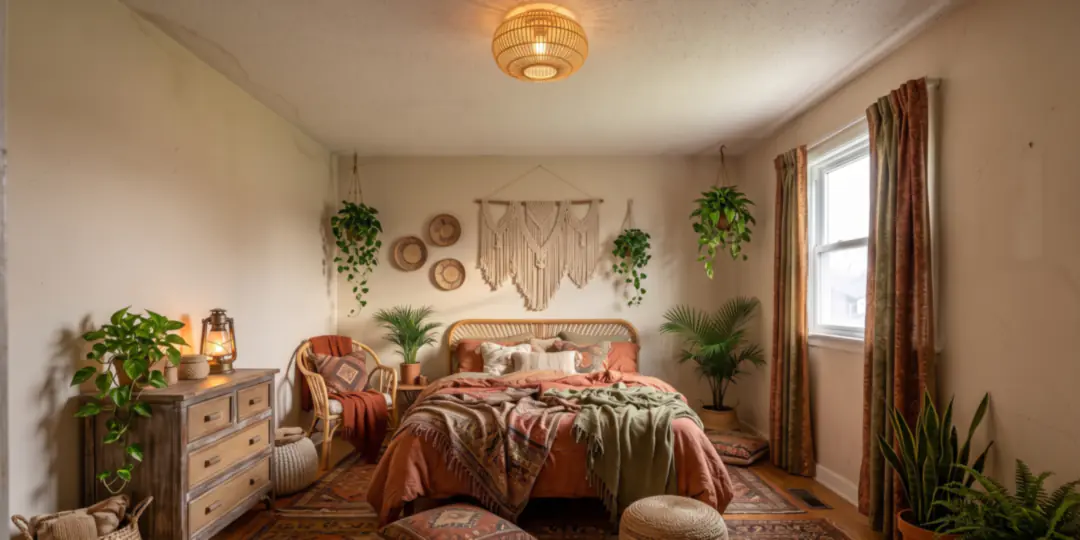
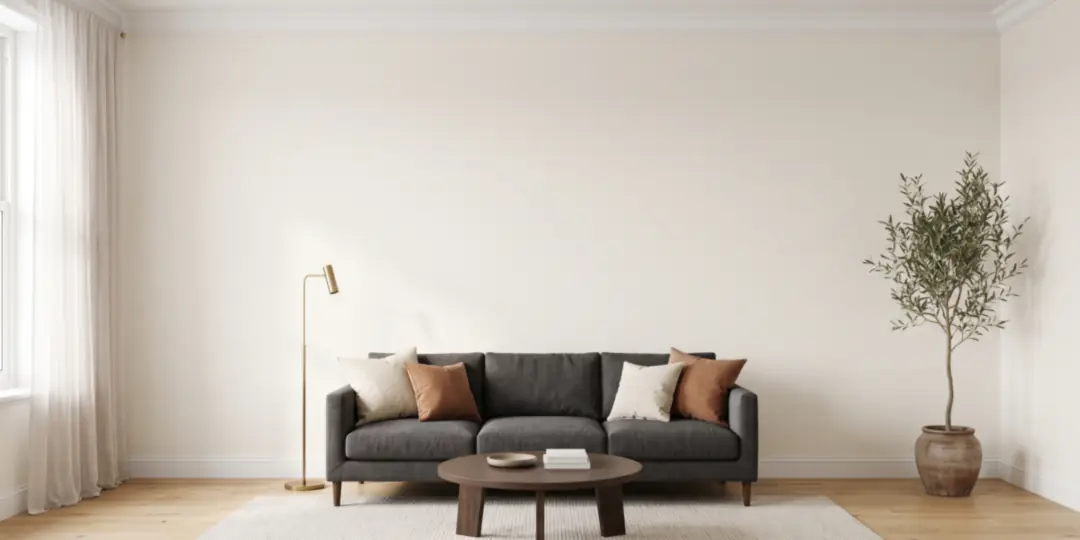
Furnish an empty room
Virtual staging for a bare room: pick the room type and a style, and roomvia adds the furniture and decor.
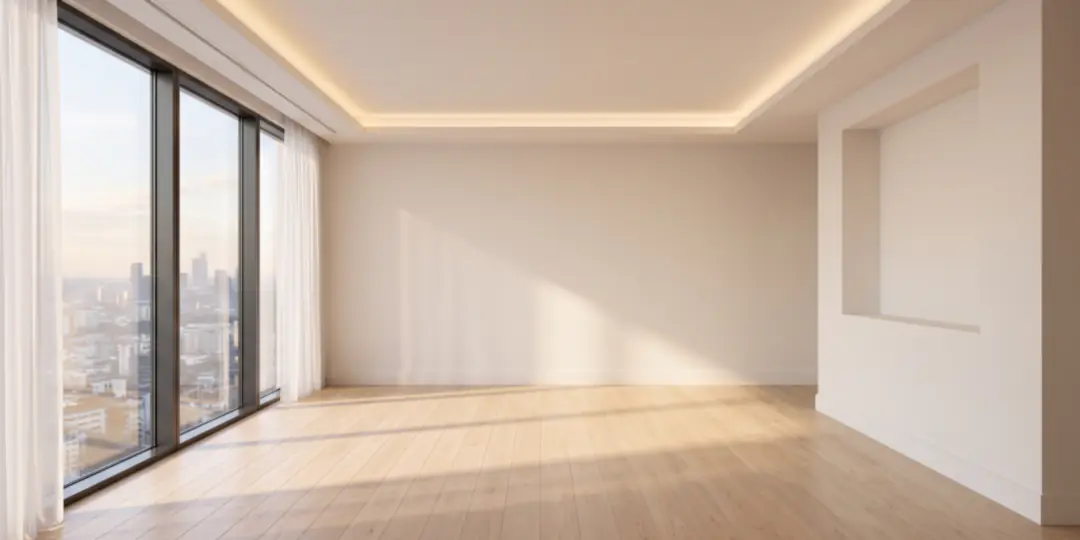
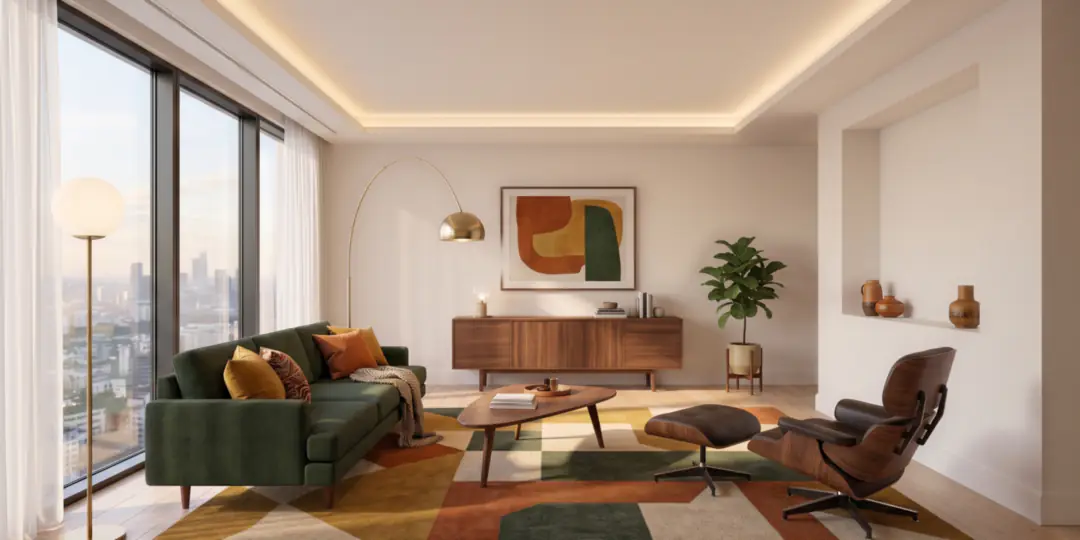
Type any change
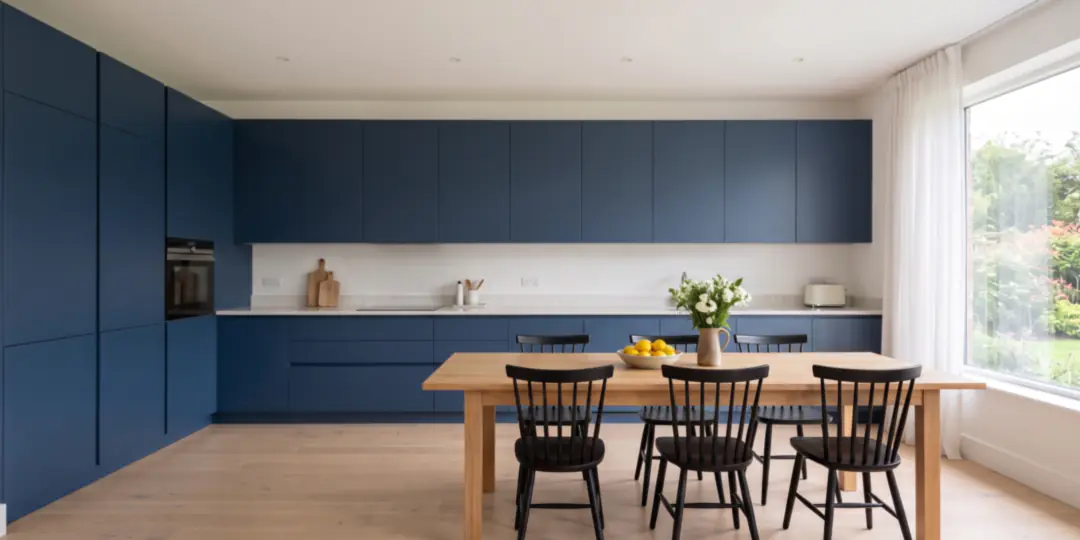
Ask for a change in your own words, like “paint the cabinets navy blue”. Every tool also works on a design you made, so you can refine it step by step, then upscale your favorite to HD.
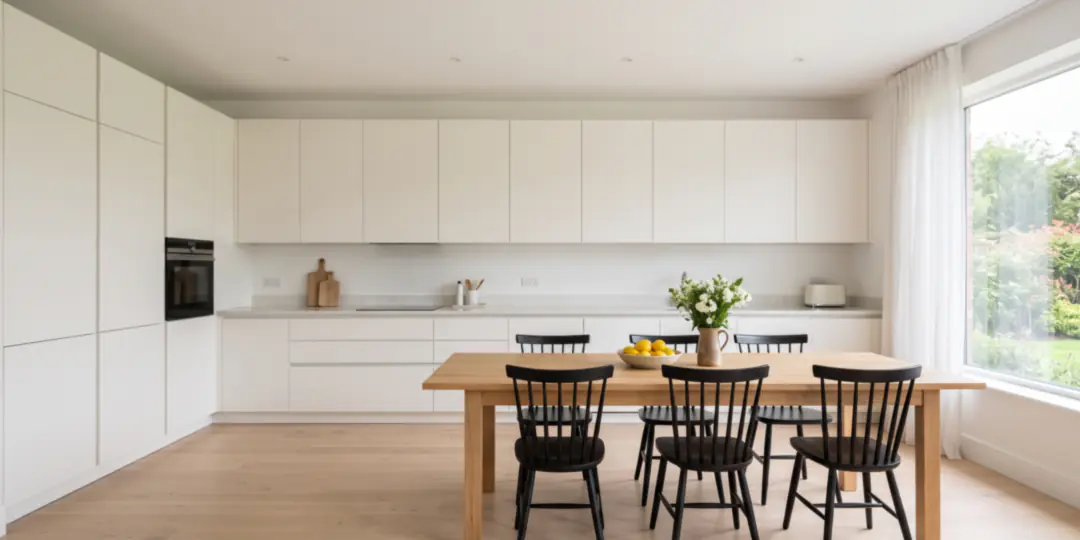
Declutter, erase or replace
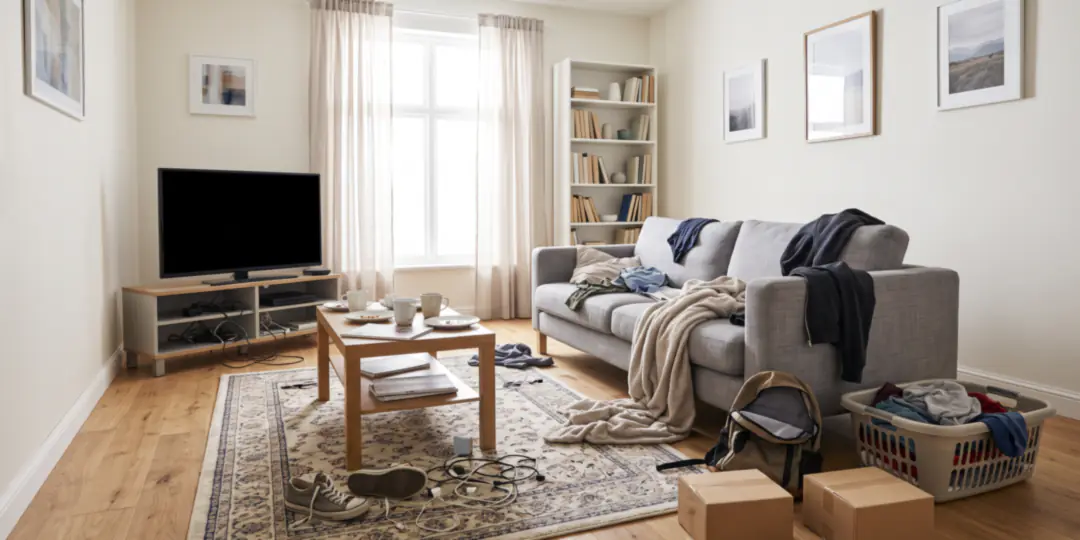
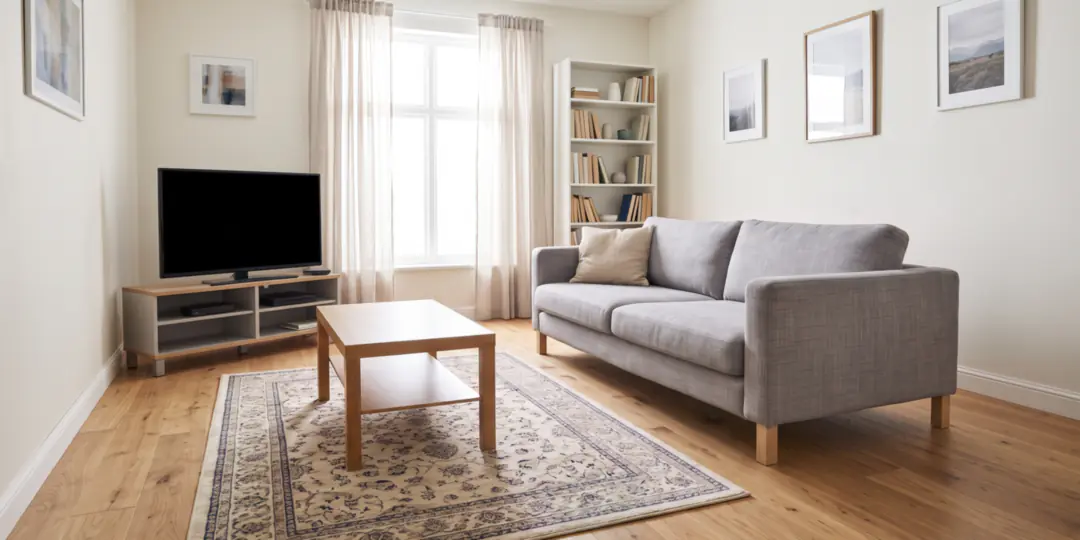
Auto declutter clears the clutter and keeps the furniture. Or brush over an object to erase it or swap it for one you describe or show in a photo.
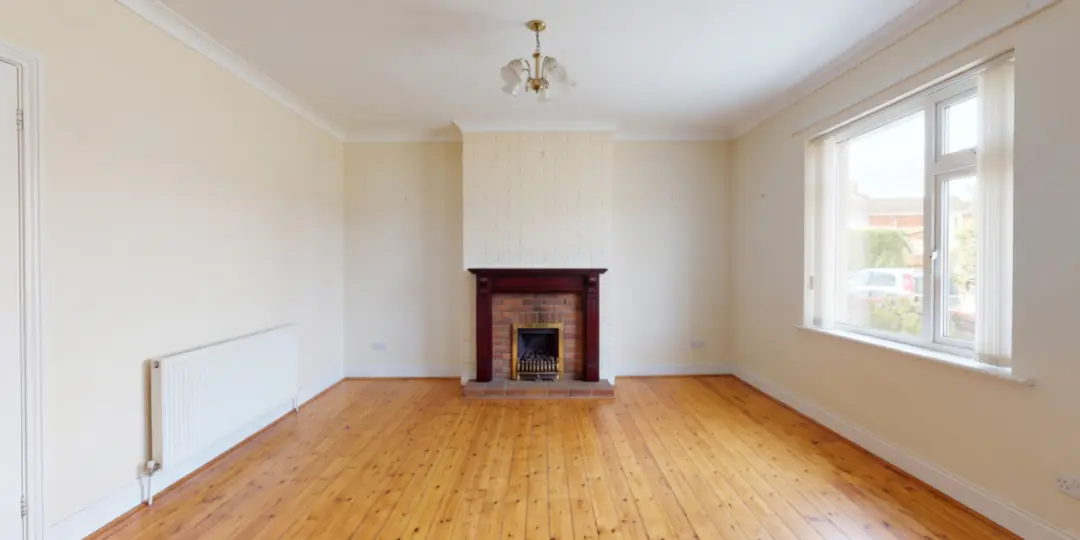
Remove furniture
Empty a furnished room for a listing photo: this tool takes out the furniture, rugs, curtains and decor, and is built to keep the walls, floor, windows and built-ins.
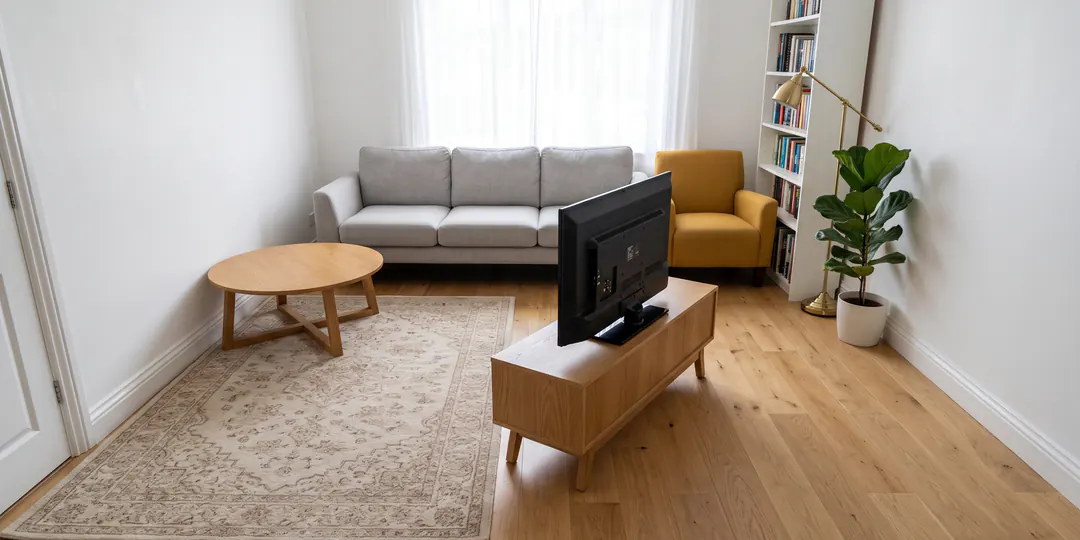
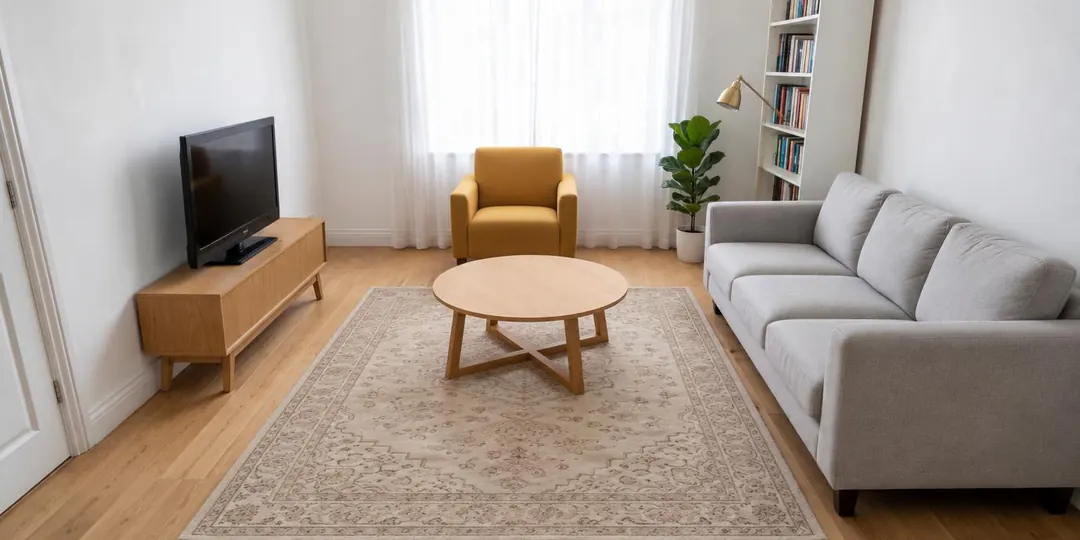
Rearrange furniture
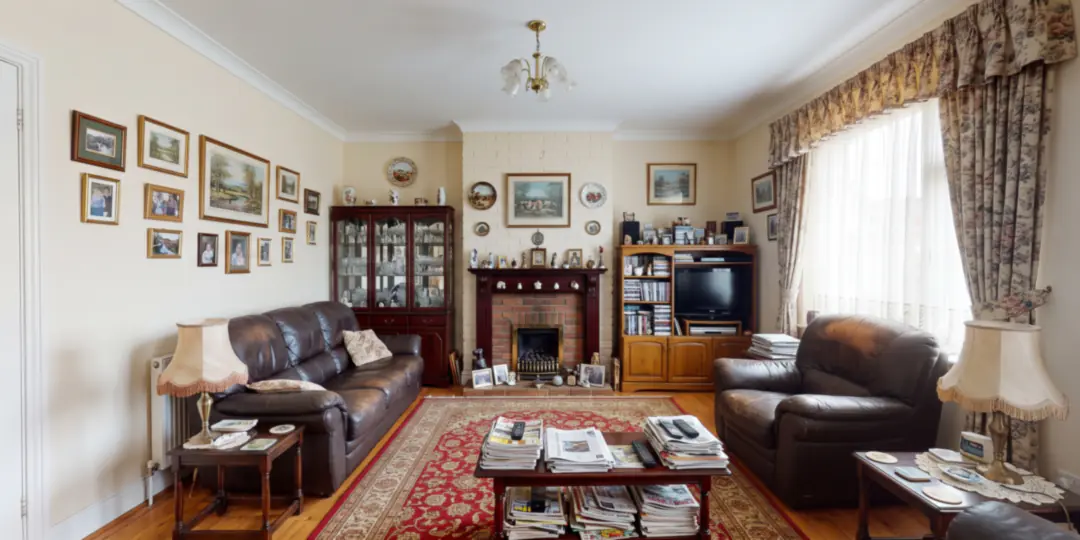
Try a new layout without buying new furniture: this tool is built to move only the pieces you have and to hold the walls, windows and camera angle. Add a wish, like “put the desk under the window”.
Walls and floors
Try a new paint color or wallpaper on the walls, and wood, tile, marble, stone, carpet or concrete on the floor, before you buy.
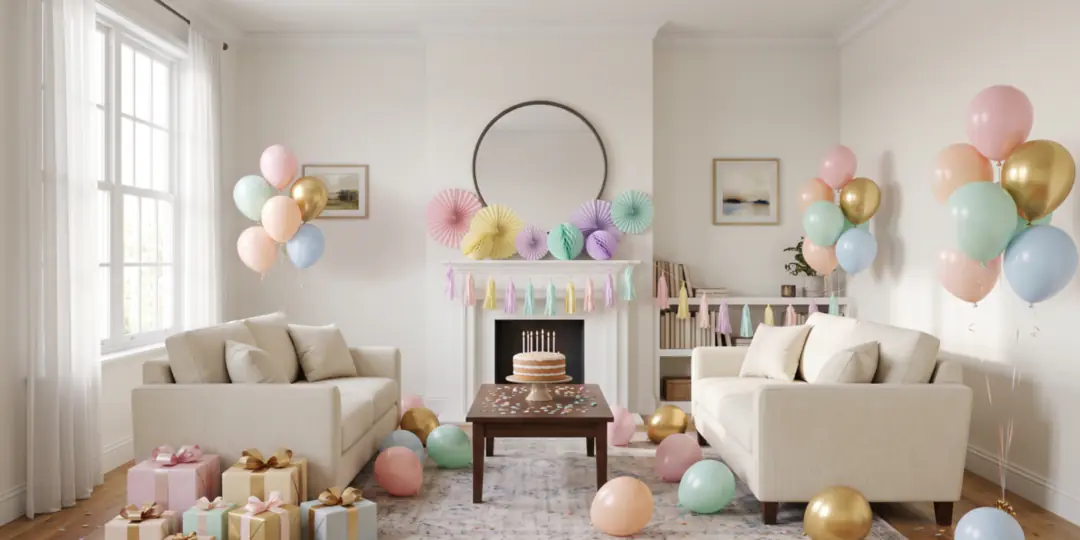
Decorate for an occasion
Dress up a room for Christmas, New Year, a birthday, Halloween or Valentine’s Day. Pick the occasion, add a photo, and roomvia does the decorating.